
Common Problems and Solutions in Vision Inspection Systems for Printing Quality
In the printing industry, staying consistent matters. It cuts waste. It helps production run more smoothly. It also keeps customer trust. That is why vision inspection systems have become an important technology for automated printing quality control. They use high-resolution cameras, image processing software, and artificial intelligence(AI) algorithms. The systems can detect issues like missing text, color variations, smudges, misregistration, and surface damage in real time.
However, printing environments involve many challenges, including high-speed production, changing materials, complex designs, and strict quality requirements. These conditions can shake the accuracy and stability of vision inspection systems. When manufacturers know the usual trouble spots and apply effective solutions, they can maintain reliable print quality inspection.
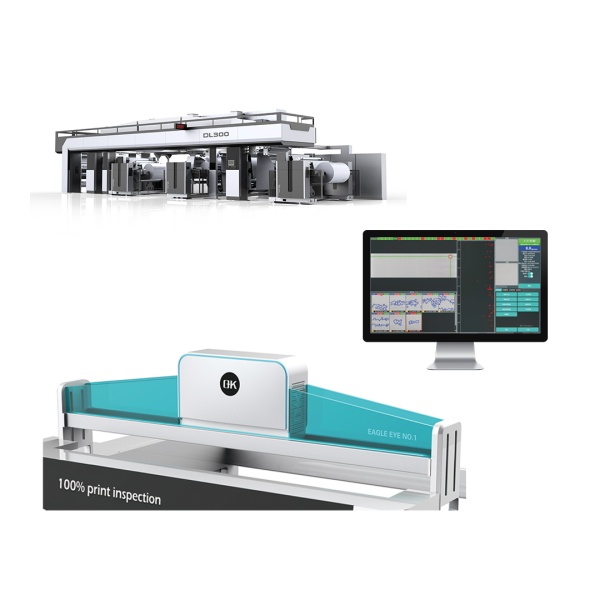
Table of Contents
How Vision Inspection Systems Work in Printing Applications
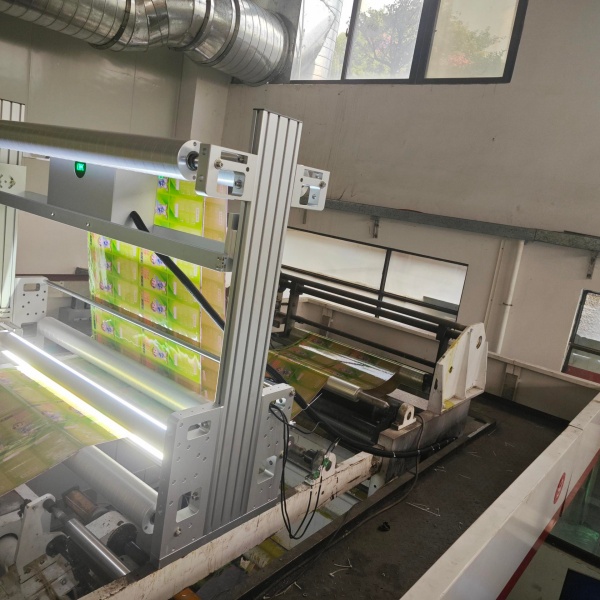
Vision inspection systems for printing quality control, operate through a continuous process of image acquisition, analysis, and decision-making.
While a press is running, cameras record images of the printed sheets. The system then checks the images against stored reference targets or set inspection settings. If it finds a defect, it raises an alert right away. It can also trigger a rejection step so bad parts do not move on.
For fast print jobs, the check happens during the run. It does not need long pauses. This lets teams catch quality problems early. It also limits the amount of wrong output.
8 Main Problems and Solutions During the Work of Vision Inspection Systems for Printing Quality
1. Inaccurate Defect Detection
A frequent issue is poor defect detection. The system may call normal changes defects. Or it may miss real defects on the print.
This often comes from bad inspection settings, not enough defect samples, product differences, or weak image processing choices. For instance, small color shifts between batches might get labeled as a real fault.
Solutions
Manufacturers can improve accuracy by tuning inspection settings for each material and product type. AI-powered quality inspection systems can learn from many defect examples. It can also separate allowed differences from true defects.
Routine calibration helps too. Updating the software and models during long runs can keep results steady.
2. Color Inspection Difficulties
Color consistency strongly affects print results, mainly on packaging, labels, and other commercial runs. Still, getting a reliable color check is not simple. Light in the room, ink behavior, line speed, and the surface of the stock can all shift how a color looks.
Some materials make the task harder. Glossy sheets, clear films, and textured papers reflect light. That can confuse side by side color checks.
Solutions
Use a fixed lighting setup with a steady color temperature. Do camera and software color calibration on a routine schedule, not only once.
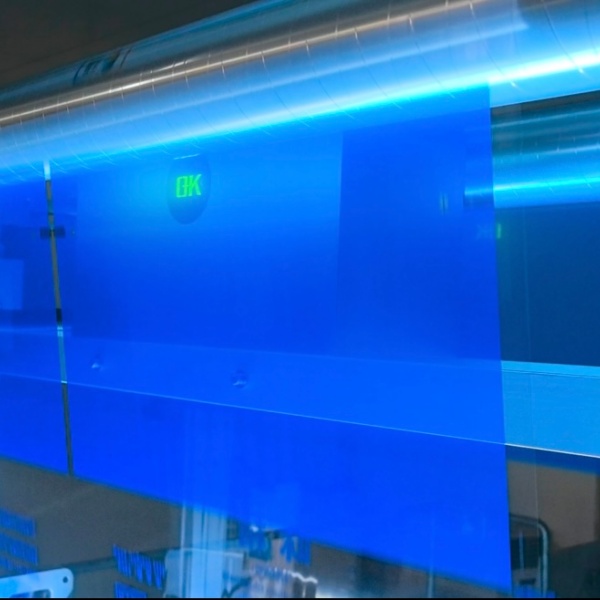
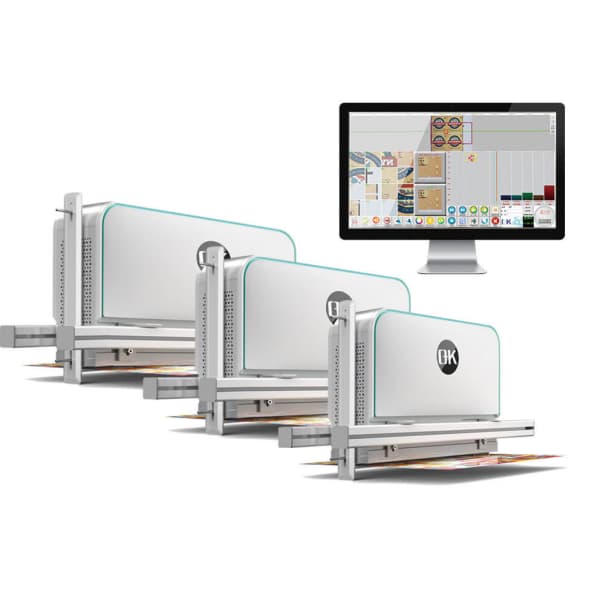
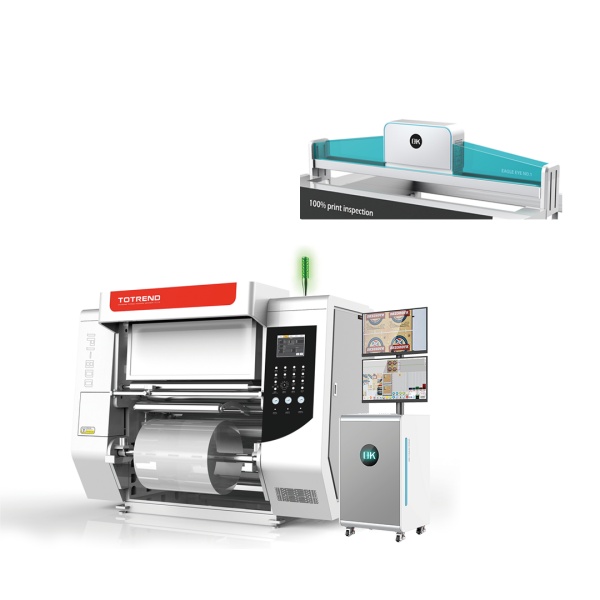
Advanced 100% vision full-surface inspection systems with color analysis functions can compare printed colors against standard references and identify color deviations more accurately.
3. Printing Registration Errors
When a job uses multiple colors or layers, alignment matters. If registration is off, the result can look soft. Colors may overlap. The overall look also drops in quality.
This problem often comes from stock movement. Tension changes can also play a role. Bad machine settings and unstable web guiding can worsen the issue.
Solutions
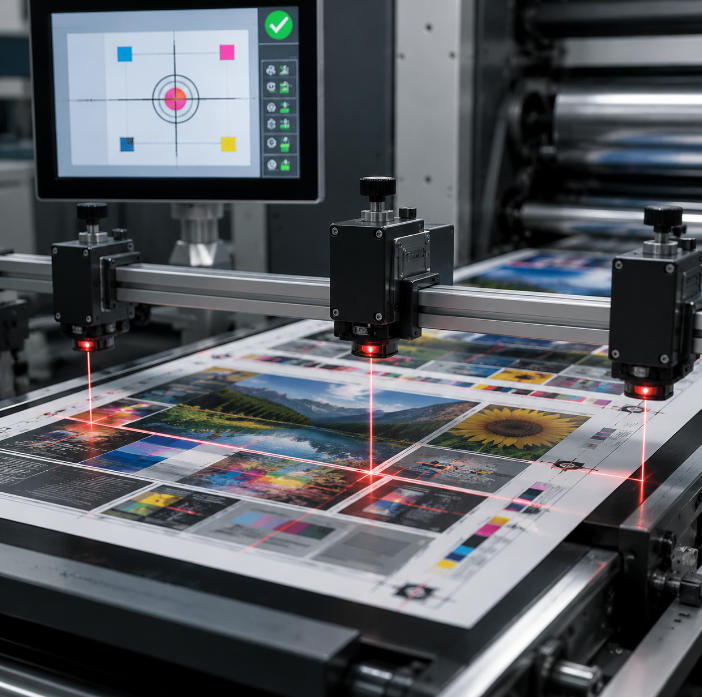
Printing quality inspection systems can track registration marks, borders, and patterns while the press runs. If you link the checks with web guiding and auto correction, alignment can stay closer to target.
Do not skip mechanical care. Keep tension under control. Both steps reduce how often registration drifts.
4. Difficulty Detecting Small Defects
Many print jobs now expect very tight quality. Tiny issues can be easy to miss. Examples include small ink dots, pinholes, scratches, missing letters, and micro printing flaws.
Traditional inspection methods may not provide enough resolution or processing capability for these applications.
Solutions
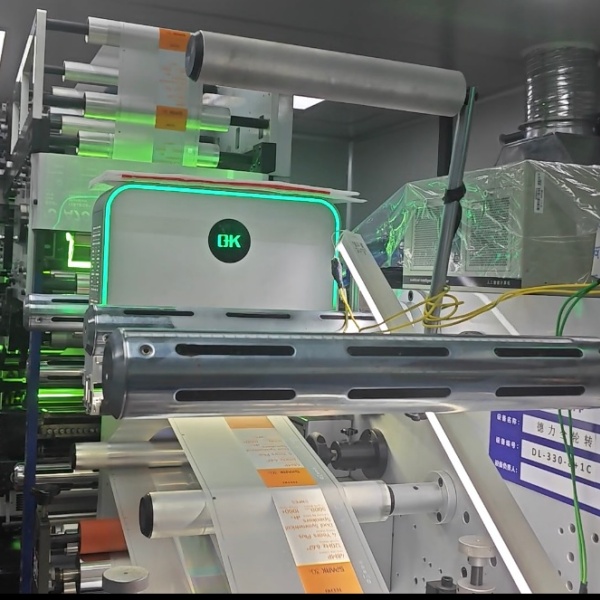
High-resolution industrial cameras, advanced lenses, and AI-powered image analysis can improve the detection of small defects. Selecting the correct camera resolution and inspection speed according to product requirements is essential.
For high-precision applications such as pharmaceutical packaging, electronic labels, and security printing, specialized 100% defect inspection systems with higher sensitivity should be considered.
5. Inspection Errors Caused by Material Variations
Materials can differ in thickness, texture, transparency, and surface finish. These changes can alter how images form on the sensor. That can lower inspection trust.
For instance, clear labels and reflective films can produce an unstable image. Under those conditions, finding defects becomes harder.
Solutions
Choose lighting and camera settings for each material type. Control the background. Use polarization filters when needed. Apply image processing steps tailored to the stock. These steps reduce noise from material differences.
Creating inspection recipes for each product type helps the platform switch to new print runs faster.
6. High-Speed Printing Inspection Challenges
Many print lines run very fast. That means the inspection unit must grab and check images in a tight window. If image analysis takes too long, defects can slip by. It can also slow the line.
Solutions
High-speed cameras help capture clear frames. Strong processors and tuned software logic support quick decisions. With live image checks and edge computing, defects can be spotted right away. The production pace does not have to drop much.
Manufacturers should pick an inspection detail level that matches real line needs. They also need to keep up with processing time.
7. Difficulties in System Integration
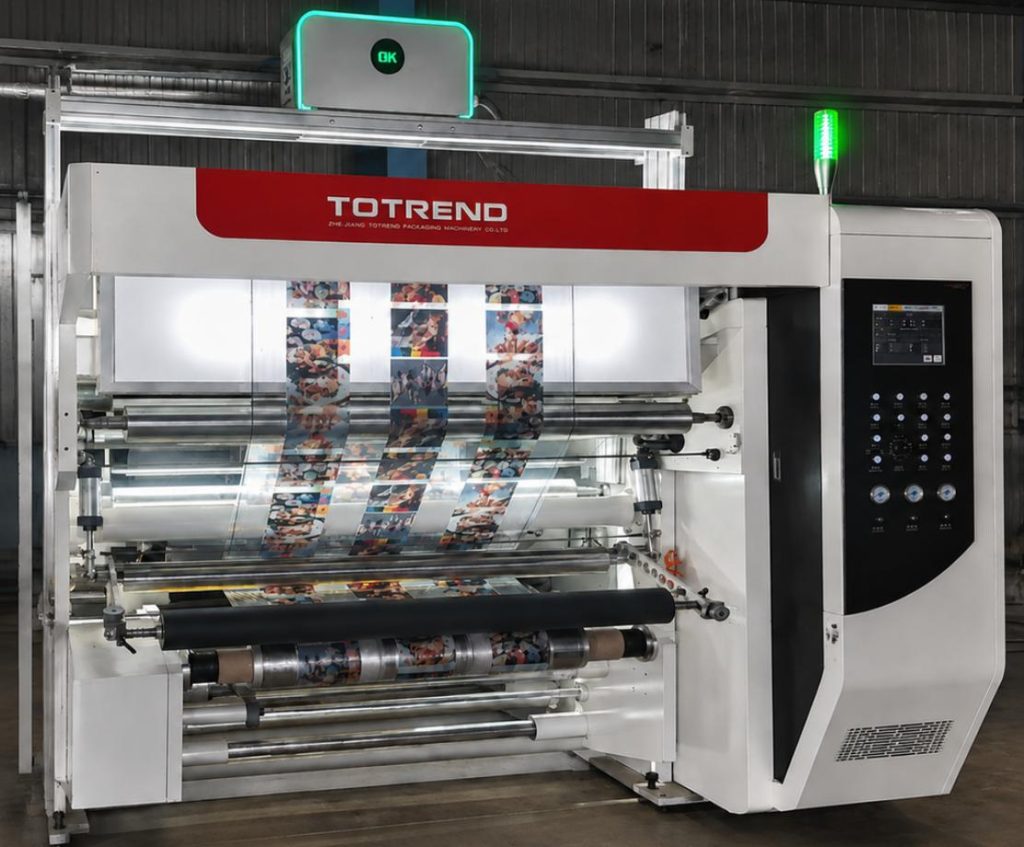
A vision inspection system must fit with printers and line control gear. It also has to connect to production tracking tools and the part that rejects bad output. If the pieces do not work well together, overall efficiency suffers. Quality inspection may also get harder to manage.
Solutions
Industrial communication standards improve device fit and reduce setup friction. A full inspection package should cover camera placement, data handling, defect grouping, and automatic responses. Feedback to the line should be built in.
Linking the system with MES can also help with traceability. It can support better reporting on what happened during each run.
8. Maintenance and System Stability Problems
Continuous operation in printing environments can expose inspection equipment to dust, ink particles, vibration, and temperature changes. Without proper maintenance, camera performance and inspection accuracy may decrease over time.
Solutions
Scheduled cleaning and calibration are needed. Equipment checks should be done on a routine schedule. Protective covers can reduce wear. Industrial parts can also last longer under harsh use.
Remote monitoring and automatic diagnostic functions can help identify problems quickly and reduce production downtime.
Summary Table of Common Problems and Solutions in Vision Inspection Systems
| Common Problem | Main Causes | Solutions |
| False detection and missed defects | Incorrect parameters, limited training data | Optimize settings and apply AI-based inspection |
| Color inspection errors | Lighting changes, material differences | Use color calibration and stable lighting |
| Printing registration problems | Web movement, tension changes | Combine inspection with web guiding and correction systems |
| Small defect detection failure | Low resolution, insufficient image quality | Use high-resolution cameras and advanced algorithms |
| Material variation interference | Different surfaces and textures | Customize lighting and inspection recipes |
| Slow inspection speed | Large image data and limited processing power | Upgrade cameras, processors, and software |
| Integration difficulties | Poor communication between devices | Use industrial protocols and automated control systems |
| System performance decline | Dust, vibration, lack of maintenance | Perform regular maintenance and calibration |
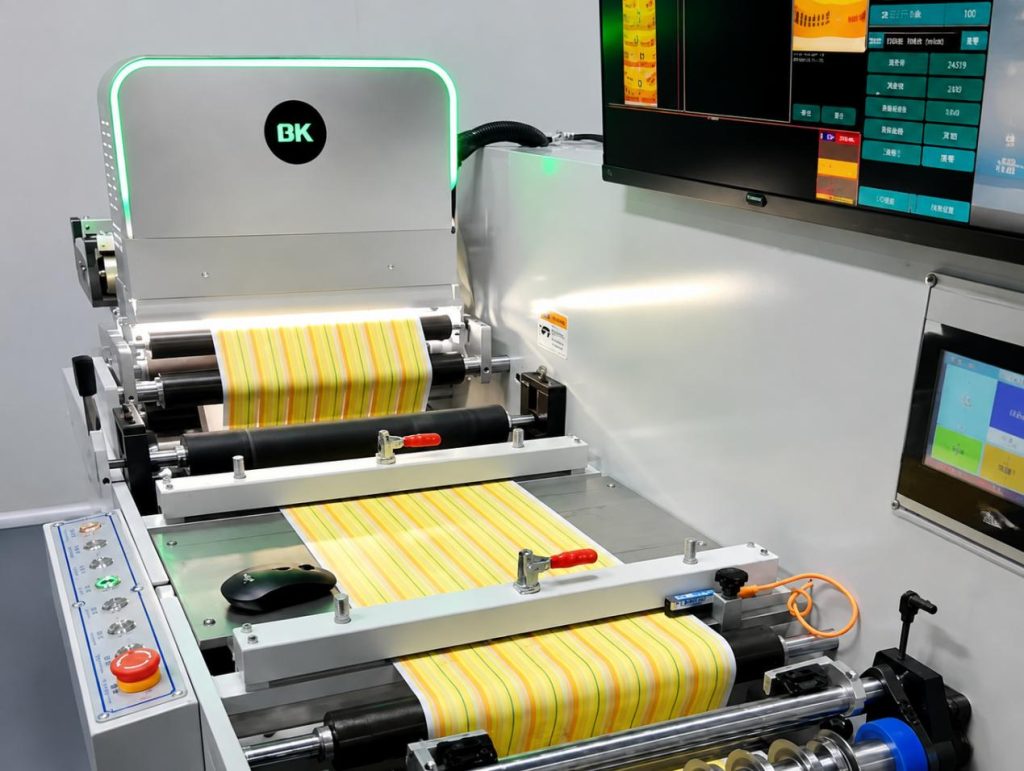
Future Development of Printing Quality Vision Inspection Systems
As AI grows and deep learning improves, vision checks in printing will likely become smarter. Smart factory trends will push these systems toward faster and more reliable work. New tools should spot defects more accurately. They should also adjust settings on their own. Predictive quality views may show up more in future designs.
AI-powered 100% inspection systems can use run data to spot defect trends. It can also guide process changes to reduce repeat issues. Digital twins, cloud watch, and live data checks can raise quality control performance.
As print demands keep rising, these vision systems should become key for automation. They can support better output quality and steady production speed.
Final Words
Vision inspection systems help keep print quality high and improve manufacturing speed. Even so, several issues can hurt results. Detection can be wrong. Color checks can be hard. There may be registration offsets. Different material lots can behave differently. Line speed can also be too fast for the system.
Manufacturers can address these problems. They can select better hardware. They can tune the inspection algorithms, keep the production setup steady, and use smarter technologies. With these steps, automated printing quality inspection can become more dependable.